Openers · North Oshawa
Smart Garage Controller Setup in North Oshawa
The house came with a controller already screwed to the garage ceiling and a sensor on the door, but the app insists the device belongs to another account. The seller has moved provinces, the emails go unanswered, and every evening the door still reports to a…
Smart Garage Controller Setup
In plain words
The account is the part of the install that lives longest, so it is set up in your hands rather than the technician's. You choose the email and password, you pick the recovery method, and you type them yourself while the technician guides you through the screens. Once the hub is on your network you name the door, decide which alerts you want, and invite the people in your household as users under your control. If the house came with a controller tied to a seller's account, it is reset and claimed fresh. The technician leaves with no login to your system, and you leave holding every key.
How the visit goesOne remote lives in a car you sold last spring. The other needs three presses from the driveway and its battery cover is taped on. Your phone is already in your hand when you pull in, and it would make a better opener.
North Oshawa
How the visit goes
Where the sensor will sit
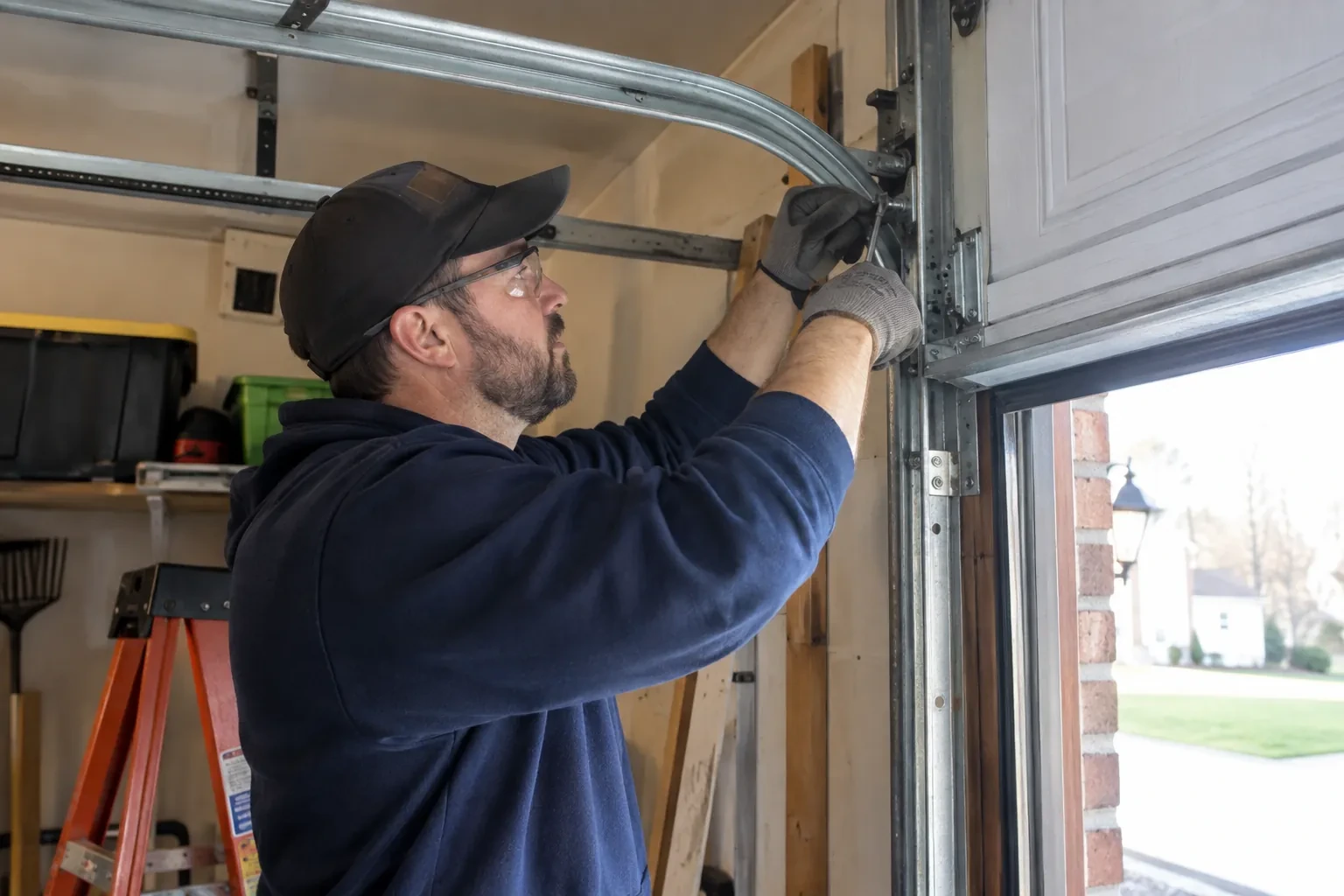
The door-position sensor works by tilt, so it belongs on the inside face of the top door section, near a hinge line and clear of the opener arm, the lock bar and any handle. The technician checks the panel surface, since insulated steel and raised-panel wood doors have different flat spots, and checks the distance and line of sight to the hub. Homes with two doors need a sensor on each. On a door with a window section the sensor is kept away from the glazing frame. The battery type is noted, and the mounting follows the sensor maker's specified fasteners for this climate: screws, an adhesive strip, or tape as a temporary step before screws.
Switching on a built-in radio
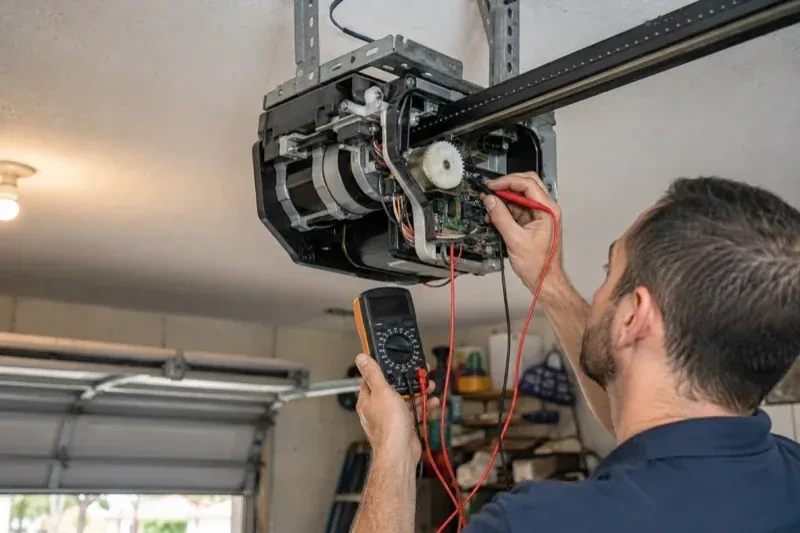
When the opener has its own wireless radio, the work is mostly done at the head unit. The technician puts the opener into its pairing mode, usually by a button press or a sequence on the wall console, which broadcasts a temporary network the phone can see. Through the app the owner selects the home network and enters its password; the opener joins, its indicator turns steady, and the serial number from the label registers the device to the owner's new account. The technician then runs the door from the app and from the wall button to confirm position reporting matches the real door, and applies the firmware update the app offers before moving on to alerts and users.
The monthly tests still matter
Adding a controller changes nothing about the physical checks the door needs, and adds one. Each month, lay a 2x4 flat under the door centre and close it; it must reverse on contact. Break the photo-eye beam with a broom handle while closing; it must stop and rise. Then close the door from the app out of sight, and listen for the beeper and watch for the light before movement. If any of the three fails, stop using the opener, move the door by hand only if it must move, and have a technician correct it before the opener is used again. These tests take a couple of minutes and are why remote closing can be trusted.
Smart Garage Controller Setup
In the van
- Lithium coin cell or cylindrical cells
- Low-voltage bell wire
- Replacement photo-eye pair
- A 2x4 offcut for the reversal test
- Receptacle splitter with approval mark
What affects the quote
Same fees day, night or weekend
1Taking over an existing device
Releasing a controller from a previous owner's account, resetting it and pairing it fresh takes time that a new device does not, and its sensor may need a battery or repositioning.
2Wireless coverage at the garage
A strong signal at the ceiling is a straightforward join. A weak one, common in detached garages, calls for an access point or extender, which is quoted separately.
3Cellular backup if the home Wi-Fi goes down
A hub that only works over Wi-Fi stops reporting the moment the internet drops, which matters most during a storm. A cellular backup module keeps alerts and remote closing working through an outage, and whether one is added is decided once the household's connectivity is reviewed.
Smart Garage Controller Setup: questions
Can one controller handle two garage doors?
Many hubs support two doors from one unit, each with its own door sensor, and each door appears separately in the app with its own name, status and history. Openers with built-in radios register individually, so a two-door garage with two connected openers simply shows two doors under one account. The technician confirms which arrangement your hardware supports before the visit.
What kind of Wi-Fi does it need?
A normal home network with a modern security type and a usable signal at the garage ceiling. Most hubs connect on the 2.4 GHz band, which travels farther through walls than 5 GHz, so a router that broadcasts both is fine as long as the 2.4 GHz network is switched on and can be selected. The technician measures the signal where the hub will sit before mounting anything.
Will I get an alert if the door is left open?
That is one of the first settings made. You choose how long the door can stay open before you hear about it, often ten or fifteen minutes, and the notification goes to every phone on the account or only to some. In a climate with real winters this single alert saves a good deal of heat, and occasionally a pipe in the wall shared with the house.
Openers & Access
Smart Garage Controller Setup near you
Most calls from North Oshawa start with a symptom rather than a part name: a bang, a door stuck halfway, a remote that only works from the driveway. Below are the services behind those symptoms, from spring and cable replacement to opener repair, panel work and complete door installation.